


App Pairing Android: Open Two Apps Together With One Tap
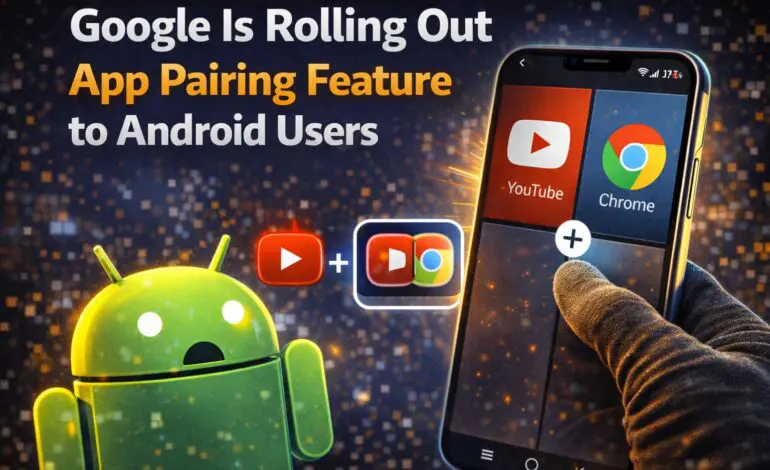

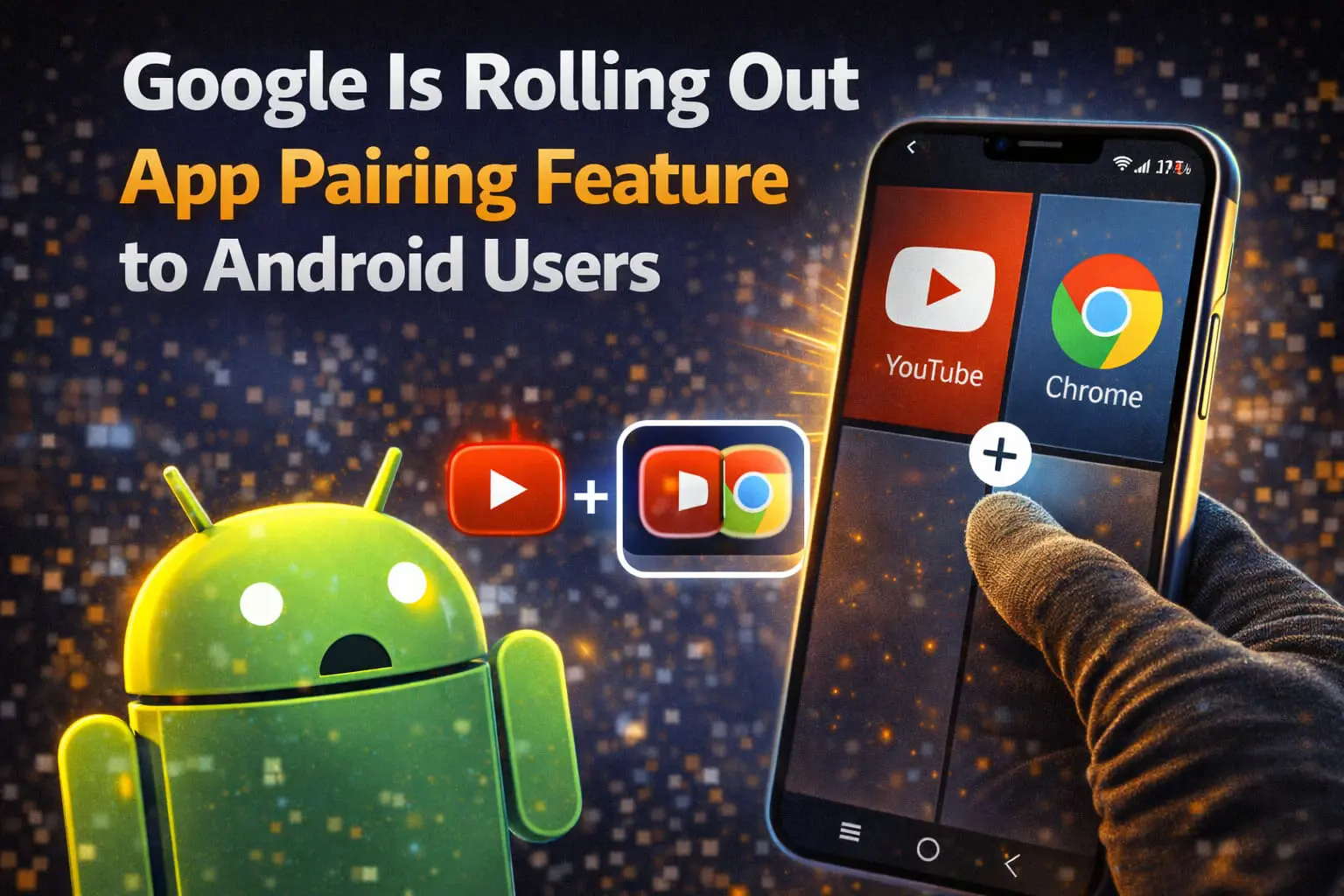
App pairing Android is a new productivity feature that allows users to open two apps together instantly in split-screen mode. Instead of launching apps one by one, Android lets you pair frequently used apps and open them simultaneously with a single tap.
Google introduced app pairing Android to make multitasking faster and more practical on smartphones.
What Is App Pairing Android?
App pairing Android is a system feature that lets users group two apps and launch them together in split screen.
With app pairing Android:
- Both apps open at the same time
- The screen layout is remembered
- App positions stay consistent
- A shortcut can be saved to the home screen
This feature is ideal for users who regularly multitask with the same apps.
How App Pairing Android Works
App pairing Android builds on Android’s existing split-screen functionality.
Here’s how app pairing Android works:
- The user selects two apps
- Android opens them in split screen
- The pairing is saved
- A shortcut is created for future use
With one tap, both apps open together exactly as saved.
Why Google Added App Pairing Android
Many users repeatedly open the same app combinations every day.
Google added app pairing Android to:
- Reduce repetitive actions
- Improve multitasking speed
- Make split screen easier to use
- Increase productivity on mobile devices
App pairing Android removes friction from everyday workflows.
Read More: What Is eSIM on Android?
Common Use Cases for App Pairing Android
App pairing Android is useful for many scenarios, including:
- YouTube + Notes
- Chrome + Calculator
- Gmail + Google Docs
- WhatsApp + Browser
- Calendar + Email
Users can create multiple app pairs for different tasks.
Which Phones Support App Pairing Android?
Support for app pairing Android depends on:
- Android version
- Screen size
- Manufacturer implementation
Foldable phones and large-screen devices benefit the most, but standard Android phones also support app pairing Android.
Does App Pairing Android Affect Performance?
No. App pairing Android does not add extra background processes.
Performance details:
- Uses existing split-screen system
- No additional battery drain
- Apps behave normally once opened
App pairing Android simply automates what users already do manually.
App Pairing Android vs Regular Split Screen
| Feature | App Pairing Android | Split Screen |
|---|---|---|
| One-tap launch | Yes | No |
| Saves app layout | Yes | No |
| Reusable shortcut | Yes | No |
| Faster multitasking | Yes | Limited |
App pairing Android makes split-screen multitasking practical for daily use.
When Will App Pairing Android Be Available?
Current rollout status:
- Feature announced by Google
- Rolling out with newer Android versions
- Availability varies by device and region
Users should keep Android updated to access app pairing Android.
Is App Pairing Android Worth Using?
Yes. App pairing Android is a simple but powerful productivity upgrade.
It saves time, reduces app switching, and makes multitasking easier without changing how apps work.
For users who multitask often, app pairing Android delivers real value.
Frequently Asked Questions About App Pairing Android
What is app pairing Android used for?
App pairing Android is used to open two apps together instantly in split-screen mode.
Is app pairing Android available on all phones?
No. App pairing Android is available on compatible devices running supported Android versions.
Does app pairing Android use more battery?
No. App pairing Android does not increase battery usage beyond normal app activity.


