




Passkeys on Android: Passwordless Sign-In Explained
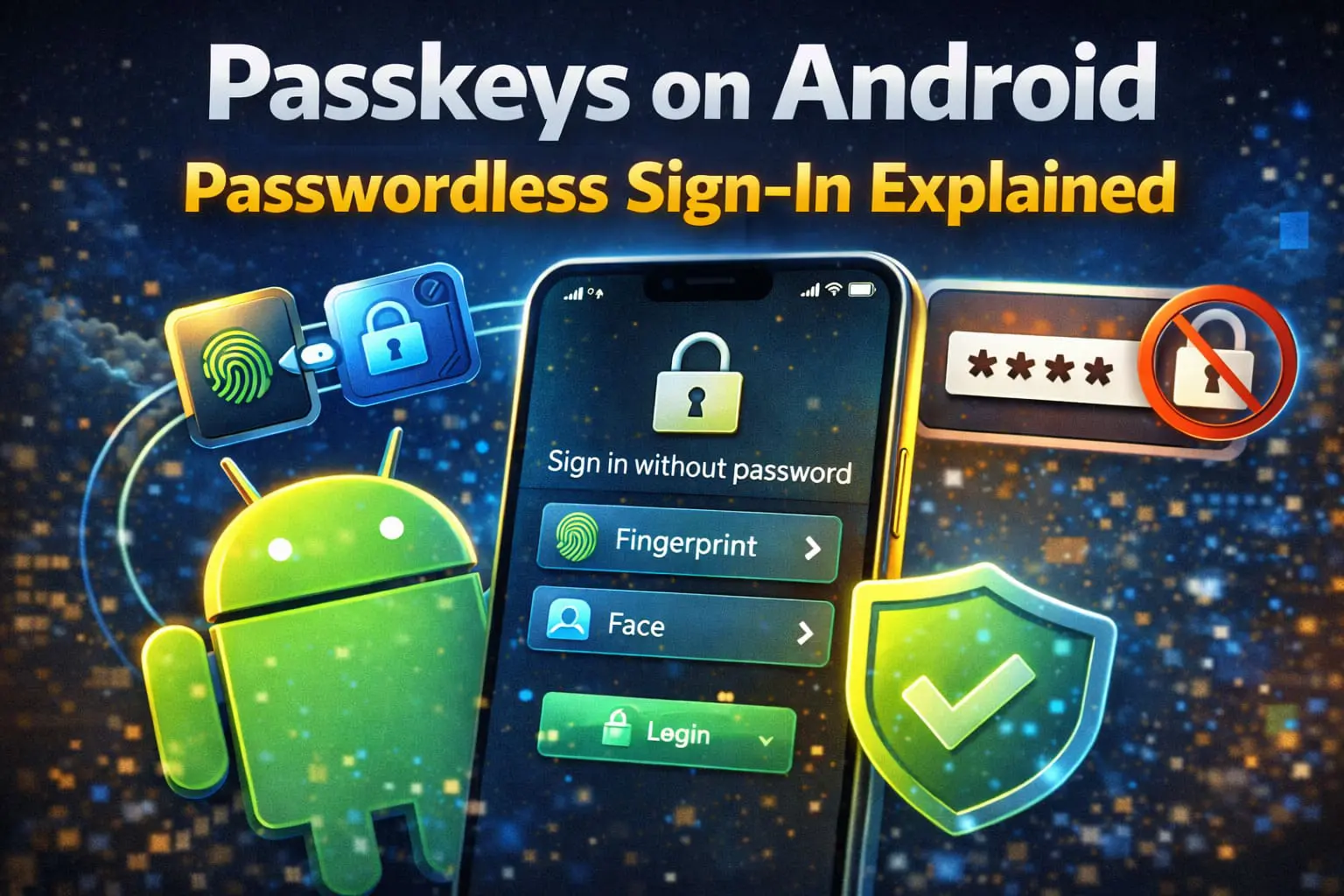

Passkeys on Android are a passwordless sign-in method that allows users to log in to apps and websites using biometrics instead of traditional passwords. With passkeys, Android users can sign in using fingerprint or face unlock, making accounts more secure and faster to access.
Google is rolling out passkeys on Android as a long-term replacement for passwords, aiming to reduce phishing attacks and account breaches.
What Are Passkeys on Android?
Passkeys on Android are a modern authentication system based on cryptographic keys rather than text-based passwords.
When you use passkeys on Android:
- No password is typed or stored
- Login happens using biometrics
- Phishing attacks become ineffective
Passkeys are stored securely on your Android device and linked to your identity.
How Passkeys on Android Work
Passkeys on Android use public-key cryptography.
Here’s how the process works:
- A secure key pair is created
- One key stays on your Android phone
- The other key is stored by the website or app
- You approve login using fingerprint or face unlock
No password is sent over the internet at any point.
Why Google Is Promoting Passkeys on Android
Google is pushing passkeys on Android to solve long-standing security problems.
Main reasons include:
- Password reuse across websites
- Increasing phishing attacks
- Weak or stolen credentials
- Poor password hygiene by users
Passkeys significantly reduce the risk of account compromise.
Which Apps Support Passkeys on Android?
Support for passkeys on Android is expanding.
Currently supported or rolling out:
- Google accounts
- Popular apps and services
- Websites using modern authentication standards
More Android apps are expected to add passkey support over time.
read more: Android Satellite Messaging
Are Passkeys on Android More Secure Than Passwords?
Yes. In most cases, passkeys on Android are more secure than passwords.
Security advantages:
- No passwords to leak
- Protection against phishing
- Device-based authentication
- Strong encryption by default
However, device security still matters. Keeping your phone locked is essential.
Passkeys on Android vs Passwords
| Feature | Passkeys on Android | Passwords |
|---|---|---|
| Phishing protection | High | Low |
| Can be forgotten | No | Yes |
| Reuse risk | None | High |
| Login speed | Fast | Slower |
Passkeys on Android remove many traditional password risks.
Google explains how passkeys work and why they replace passwords.
Do Passkeys on Android Sync Across Devices?
Yes, passkeys on Android can sync across devices when:
- You are signed in to the same Google account
- Secure cloud sync is enabled
- Devices support passkey standards
This allows easy access when switching phones.
Should You Use Passkeys on Android?
Passkeys on Android are recommended if you:
- Want stronger security
- Log in frequently on mobile
- Are tired of managing passwords
You can still keep passwords as a backup where passkeys are not supported.
Final Verdict: Are Passkeys on Android Worth Using?
Passkeys on Android are a major security upgrade and a practical replacement for passwords.
They make logins faster while reducing phishing and credential theft risks.
Passwords won’t disappear immediately, but passkeys are clearly the future of authentication.
Frequently Asked Questions About Passkeys on Android
What are passkeys on Android used for?
Passkeys on Android are used for secure, passwordless sign-in using biometrics instead of passwords.
Are passkeys on Android safe?
Yes, passkeys on Android use strong encryption and are safer than traditional passwords.
Do passkeys on Android work offline?
Passkeys require initial setup online but do not rely on passwords during login.


