

Best AI Tools for Content Creators in 2026 (Writing, Video, Images & More)


Content creation takes a lot of time. Writing scripts, editing videos, designing thumbnails, writing captions, repurposing content across platforms — it adds up fast.
AI tools can cut that time significantly. Not by doing the creative work for you, but by handling the repetitive, time-consuming parts so you can focus on what actually matters: the ideas and the audience.
This guide covers the best AI tools for content creators in 2026 — broken down by category so you can find exactly what you need.
AI Writing Tools for Content Creators
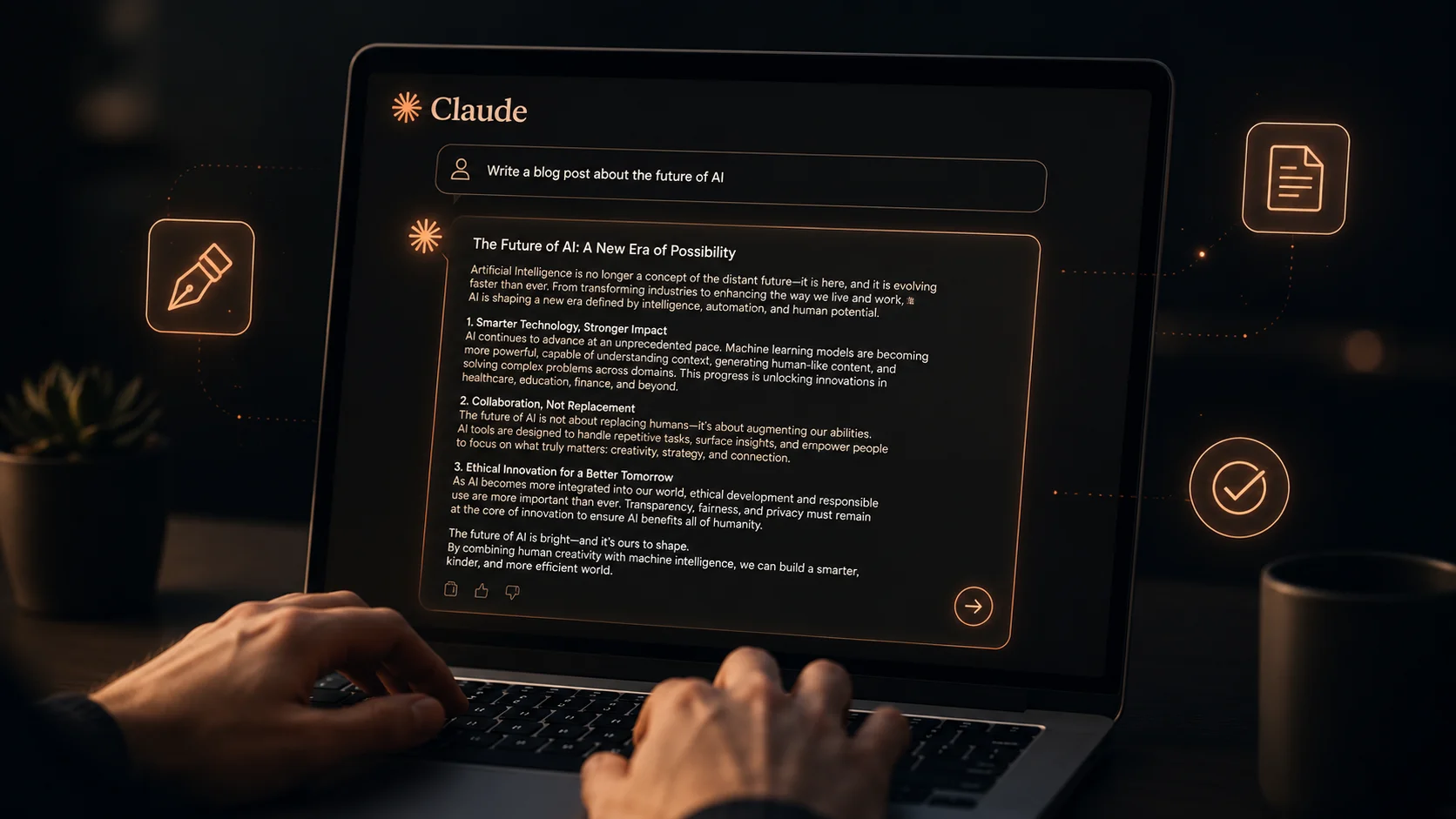
Claude — Best for Long-Form Writing
Claude is the best AI writing tool for bloggers, newsletter writers, and anyone who produces long-form content regularly. It handles 1,500-word articles without losing structure, follows your style instructions carefully, and produces writing that sounds natural rather than obviously AI-generated.
Use it to write first drafts, improve your existing content, repurpose articles into different formats, or generate ideas when you’re stuck. For a full guide on getting the best results, see our article on how to use Claude for writing.
Best for: Blog posts, newsletters, email sequences, long-form articles.
Free plan: Limited daily messages. Enough for a few articles per week.
ChatGPT — Best for Versatile Content Tasks
ChatGPT is the most flexible writing tool for creators who work across multiple content types. Use it for brainstorming video ideas, writing YouTube descriptions, crafting email subject lines, creating product copy, or generating social media posts in bulk.
Its free plan includes limited GPT-4o access and some image generation through DALL-E — which is useful for thumbnail concepts and visual inspiration. The plugin ecosystem also lets you connect ChatGPT to other tools in your workflow.
Best for: Brainstorming, versatile content tasks, image generation, plugin integrations.
Free plan: Solid for casual daily use. Heavy users will hit limits.
AI Video Tools for Content Creators
Descript — Best for Video and Podcast Editing
Descript is one of the most impressive AI tools available for video and podcast creators. It transcribes your video automatically, then lets you edit the video by editing the text transcript. Delete a word from the transcript and it removes it from the video. It really is that simple.
It also has AI features that automatically remove filler words like “um” and “uh”, generate captions, and even clone your voice so you can correct mistakes in narration without re-recording. For solo creators who edit their own content, this is a massive time saver.
Best for: YouTubers, podcasters, anyone who edits spoken-word video or audio.
Free plan: Limited to 1 hour of transcription per month. Paid plans start at $12/month.
Otter.ai — Best for Transcription and Meeting Notes
Otter.ai automatically transcribes audio and video in real time. It’s widely used for meeting notes, but for content creators it’s incredibly useful for transcribing podcast episodes, interview recordings, and video scripts so you can repurpose spoken content into written articles.
Record a 30-minute podcast, run it through Otter, and you have a transcript you can edit into a blog post, a newsletter, or social media quotes — in minutes instead of hours.
Best for: Transcribing audio and video, repurposing spoken content into written form.
Free plan: 300 minutes of transcription per month — generous for casual use.
AI Image Tools for Content Creators
Canva AI — Best for Social Media Graphics and Thumbnails
Canva has been the go-to design tool for non-designers for years. Its AI features have made it even more powerful. You can now generate images inside Canva, use AI to resize designs for different platforms automatically, generate background images, and use text-to-design features to create entire templates from a text prompt.
For YouTube thumbnails, Instagram posts, blog featured images, and social media graphics, Canva AI is the most practical tool for creators who don’t want to learn professional design software.
Best for: Thumbnails, social media graphics, blog images, any visual content.
Free plan: Strong — most AI design features are available free. Paid plan unlocks more templates and assets.
Bing Image Creator — Best Free AI Image Generator
When you need a custom image and can’t find the right stock photo, Bing Image Creator generates one from your text description — for free. It’s powered by DALL-E and produces high-quality results for realistic photos, illustrations, and concept art.
For blog featured images, article illustrations, and social media visuals, this is the easiest free option available. You get a set of daily generation credits with a Microsoft account, and it stays free even after the faster credits run out.
Best for: Custom featured images, article illustrations, social media visuals.
Free plan: Fully free with daily credit limits. No paid tier needed for occasional use.
AI Social Media Tools for Content Creators
Buffer — Best for AI-Assisted Social Scheduling
Buffer lets you write, schedule, and publish posts across multiple social media platforms from one place. Its AI assistant helps you write captions, suggests the best posting times, and can repurpose existing content into multiple post formats.
For creators who post on several platforms — Instagram, Twitter/X, LinkedIn, Facebook — Buffer saves significant time by letting you plan a whole week of content in one session. The free plan supports up to 3 channels and 10 scheduled posts per channel.
Best for: Multi-platform social media scheduling, AI caption writing, content planning.
Free plan: 3 channels, 10 posts each. Good for creators just starting to build a presence.
A Simple AI Workflow for Content Creators
Rather than using all these tools randomly, the most productive creators build a consistent workflow. Here’s a simple one that works for bloggers, YouTubers, and social media creators:
The Buzztab Creator Workflow
This workflow won’t write your content for you — but it will cut the time you spend on production by at least half. The creative thinking stays yours. The repetitive execution gets handled by AI.
What is the best AI tool for content creation in 2026?
It depends on your content type. For writing, Claude is the strongest option. For video editing, Descript is unmatched. For design and thumbnails, Canva AI is the most practical. For social media, Buffer covers scheduling and caption writing. Most creators end up using two or three of these tools together.
Can AI replace content creators?
No — and that’s not what it’s designed to do. AI tools handle the repetitive, time-consuming parts of content production. The ideas, the personality, the audience relationship, and the creative judgment are still entirely human. Creators who use AI well produce more content in less time, not less authentic content.
What AI tools are completely free for content creators?
Bing Image Creator is fully free for image generation. Buffer’s free plan covers basic social scheduling. Otter.ai’s free plan handles 300 minutes of transcription per month. Claude and ChatGPT both have free plans with daily limits. Canva’s free plan includes many AI design features. You can build a solid AI-powered content workflow without spending anything.
How do I avoid AI-generated content sounding robotic?
Always treat AI output as a first draft. Read it aloud, rewrite any sentences that feel mechanical, add your own opinions and examples, and cut anything that sounds like generic filler. A short editing pass transforms AI writing into something that sounds genuinely human. See our guide on how to use Claude for writing for more tips.
Is it ethical to use AI for content creation?
Yes, for most applications. Using AI to help you produce content faster and better is no different from using any other professional tool. Being transparent with your audience about AI assistance is good practice but not always required. Where it becomes problematic is passing off entirely AI-generated work as original human thought — especially in academic or journalistic contexts.
Final Thoughts
The best AI tools for content creators in 2026 aren’t magic. They won’t make you a better creator overnight. But they will free up a significant amount of your time — time you can put back into the work that only you can do.
Start with one tool that solves your biggest bottleneck. If writing takes the most time, start with Claude. If editing video is the pain point, start with Descript. If you’re drowning in social media posting, start with Buffer.
Add tools gradually as you get comfortable. Within a month, you’ll have a workflow that lets you produce more content with less stress — and that’s the real value of AI for creators in 2026.