
How to Write Better AI Prompts: 7 Rules That Actually Work

Most people get mediocre results from AI tools. Not because the tools are bad — but because of how they ask.
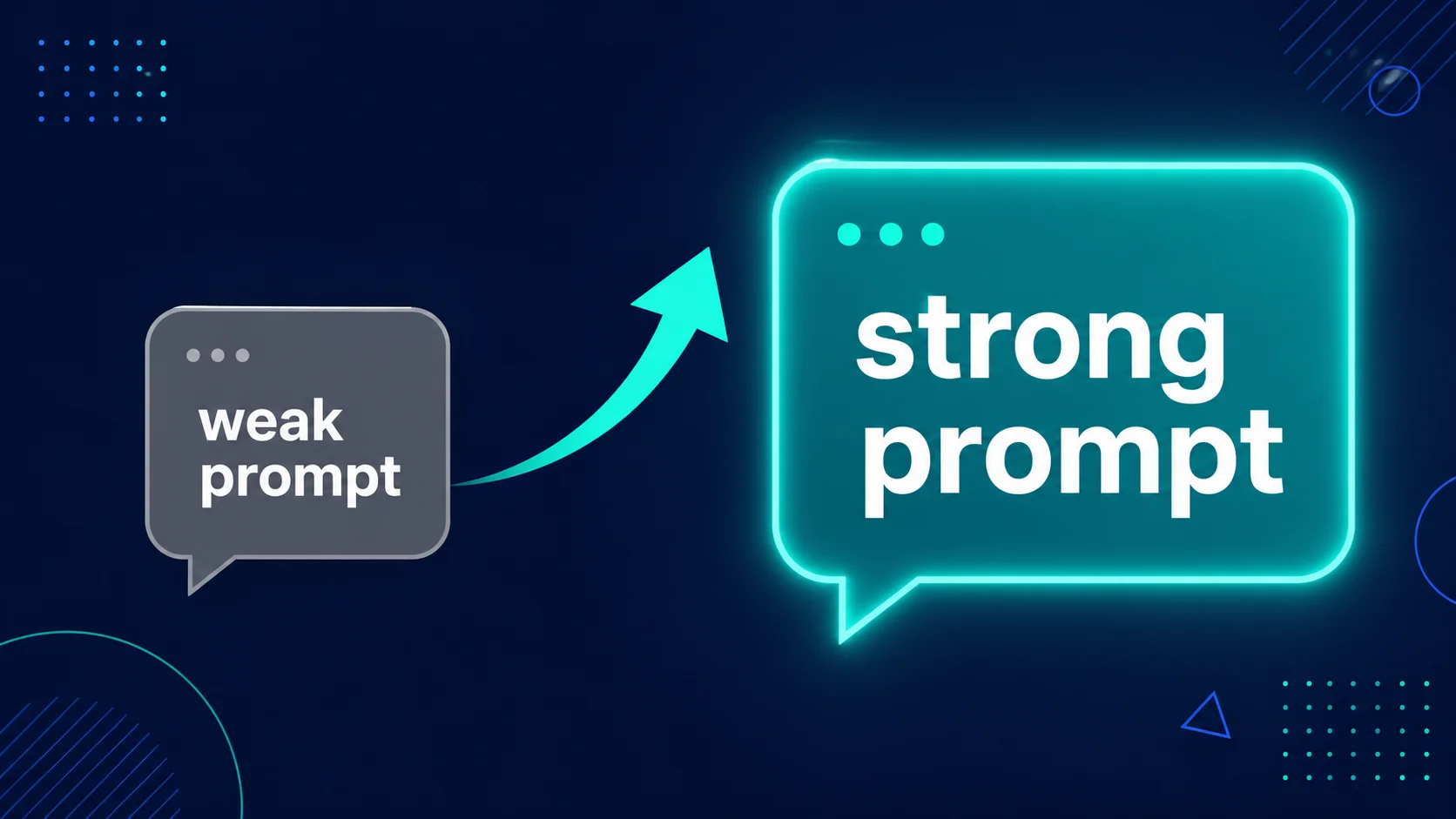
Writing a good AI prompt is a skill. And like most skills, it’s not hard to learn once someone shows you the rules. The difference between a weak prompt and a strong one isn’t length or complexity. It’s clarity, context, and specificity.
Here are 7 rules for writing better AI prompts — with real before-and-after examples you can use right now in Claude, ChatGPT, or any other AI tool.
Rule 1: Give the AI a Role
Starting your prompt with a role transforms the tone, depth, and style of the response. It’s one of the simplest improvements you can make.
The second prompt gives the AI context about who it is, who it’s talking to, and what style to use. The result will be noticeably clearer and more useful.
Rule 2: Specify the Format
If you don’t tell the AI what format you want, it will guess. Sometimes it guesses right. Often it doesn’t. Be explicit about what you’re expecting.
Format instructions to try: bullet points, numbered list, table, short paragraphs, one sentence per point, Q&A format, step-by-step guide, pros and cons list.
Rule 3: Set the Tone
AI tools default to a neutral, slightly formal tone if you don’t say otherwise. But the right tone makes a huge difference depending on what you’re writing.
Tone options worth knowing: casual, professional, conversational, formal, friendly, direct, humorous, motivational, empathetic, authoritative.
Rule 4: Define Your Audience
The same information should be written differently depending on who’s reading it. Telling the AI who the audience is gets you output that actually fits your readers.
The second version will produce something genuinely readable for that audience — not a textbook definition dressed up in plain language.
Rule 5: Set a Word or Length Limit
AI tools tend to over-explain if you don’t set limits. Be specific about how long you want the output to be.
Useful length instructions: “in one sentence”, “under 100 words”, “exactly 5 bullet points”, “in 3 short paragraphs”, “in 500 words”, “no more than 150 words”.
Rule 6: Tell It What to Avoid
Negative instructions are just as important as positive ones. Telling the AI what NOT to do helps you avoid the most common frustrations — like generic filler, repetition, or jargon.
Common things to exclude: jargon, clichés, filler phrases, unnecessary disclaimers, repetition, bullet points (if you want prose), long introductions.
Rule 7: Give It an Example
If you want a specific style, the fastest way to get it is to show an example. Paste in a piece of writing you like and say “write in a similar style.”
This is one of the most powerful techniques in prompting. AI tools are excellent at matching styles — you just have to show them what you’re aiming for.
Putting It All Together: A Complete Prompt Example
Here’s what a well-built prompt looks like using all seven rules:
That prompt covers: role, audience, length, format, tone, and what to avoid. The result will be dramatically better than “write a product description for my sleep supplement.”
Common Prompting Mistakes to Avoid
| Mistake | Why It’s a Problem | Fix |
|---|---|---|
| Too vague | AI has no direction and guesses | Add role, audience, tone, and format |
| No length limit | AI over-explains and rambles | Set a word count or format limit |
| One and done | Expecting perfection on the first try | Ask follow-up questions to refine |
| No context | AI doesn’t know the purpose of the writing | Explain what the content is for |
| Asking too many things at once | AI loses track of requirements | Break complex tasks into steps |
What makes a good AI prompt?
A good AI prompt is specific, contextual, and clear about format and tone. It tells the AI who it is (role), who it’s writing for (audience), what the output should look like (format), and how long it should be. The more detail you provide, the better the result.
What is prompt engineering?
Prompt engineering is the practice of writing AI prompts carefully to get better results. It doesn’t require technical skills — it’s mostly about being clear and specific. The 7 rules in this guide cover the most important principles of prompt engineering for everyday use.
Does prompt quality matter more for some AI tools than others?
Yes. More capable AI tools like Claude and ChatGPT respond very well to detailed, structured prompts. Simpler tools may not pick up on nuance as reliably. For the best AI tools in 2026, clear prompts consistently produce significantly better results than vague ones.
How long should an AI prompt be?
As long as it needs to be to clearly explain what you want — but no longer. A one-sentence prompt is fine for simple tasks. A multi-paragraph prompt is appropriate for complex writing jobs. Don’t pad your prompt unnecessarily, but don’t leave out important context either.
Can I reuse the same prompts every time?
Yes — and you should. If you find a prompt structure that works well for a task you do regularly, save it. Many people build their own library of prompts for common tasks like writing emails, creating social media posts, or summarising documents. It saves time and produces consistent results.
Final Thoughts
Writing better AI prompts is one of the highest-return skills you can develop right now. It takes ten minutes to learn the basics and improves every time you use an AI tool.
Start with one change: next time you use Claude or ChatGPT, give the AI a role at the start of your prompt. Just that one adjustment will noticeably improve the result.
Then add a format requirement. Then a tone. Then a length limit. Before long, prompting well will feel natural — and you’ll wonder how you ever settled for vague instructions and mediocre results.